
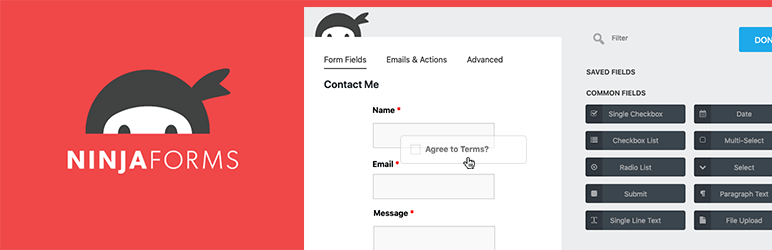
Ninja Forms is easily one of the most powerful, flexible, and easy-to-use form builder plugins for WordPress. Ninja Forms is the ultimate FREE contact form creation tool for WordPress. Build forms within minutes using our simple, yet powerful, drag-and-drop form creator. For beginners, quickly and easily design complex forms with absolutely no code. For developers, utilize built-in hooks, filters, and even custom field templates to do whatever you need at any step in the form building or submission using Ninja Forms as a framework.
We’ll show you how you to install and use the Ninja Forms plugin.
Step 1: Download and install Ninja Forms. You can either download Ninja Forms directly from the WordPress repository and upload to your website, or you can go to Plugins>Add New in your WordPress dashboard and then search for Ninja Forms there and install.
Step 2: Add your new WordPress contact form builder! Now you’ll want to add a contact form, click Add New to open the form builder and select contact form.