
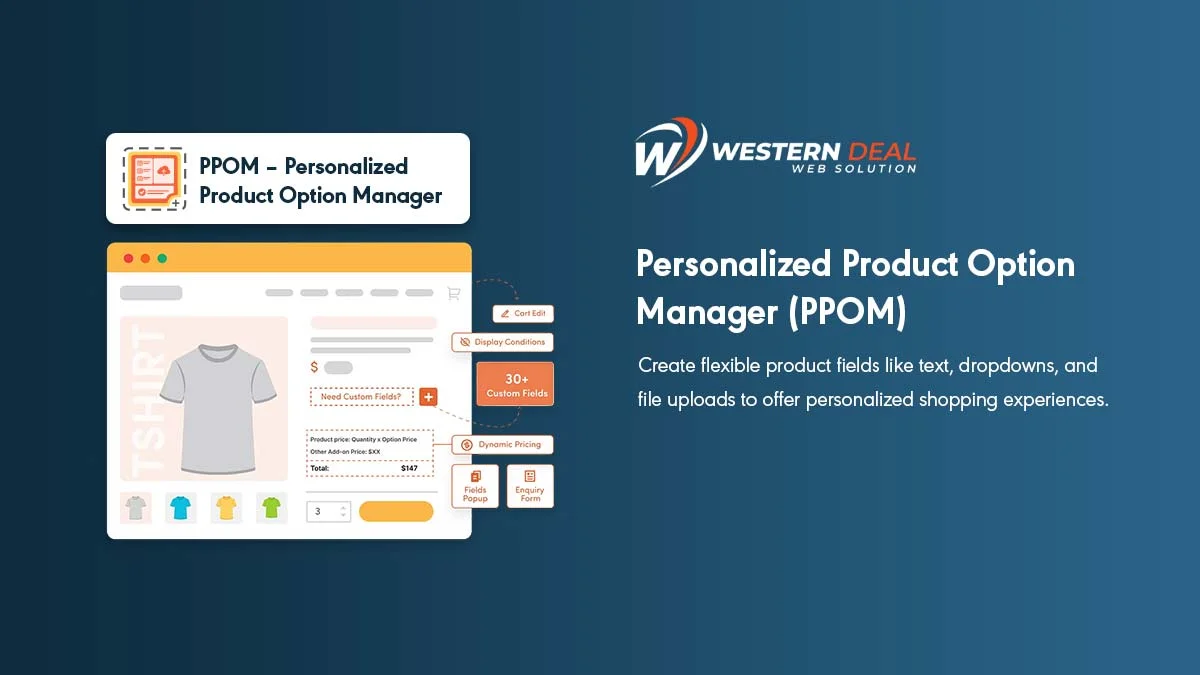
PPOM is addon of WooCommerce. It refers to Personalize Product Option Manager. To personalize your product this plugin is best. Let’s start with Installation.
Installation
Download Plugin from https://wordpress.org/plugins/woocommerce-product-addon/. Add this plugin to your site and activate after installation.
After activation, you will see a submenu called PPOM field under WooCommerce menu. Go to that menu and make settings as per your requirement of your product. Make personalization according to your product.
Add Product
Now add a product under Add Product menu. Here make a change under Product Data. Here you will see a PPOM Field, select the field as per your product’s requirement. After that publish or update the product.
View Product
Now go to view product. Here you can see PPOM condition field with their appropriate amount.
Now select as per your requirement and select Add To Cart. After that view cart and make payment.
Using this add-on plugin WooCommerce becomes easier and more useful.

One Response
Thank you for sharing our Plugin