
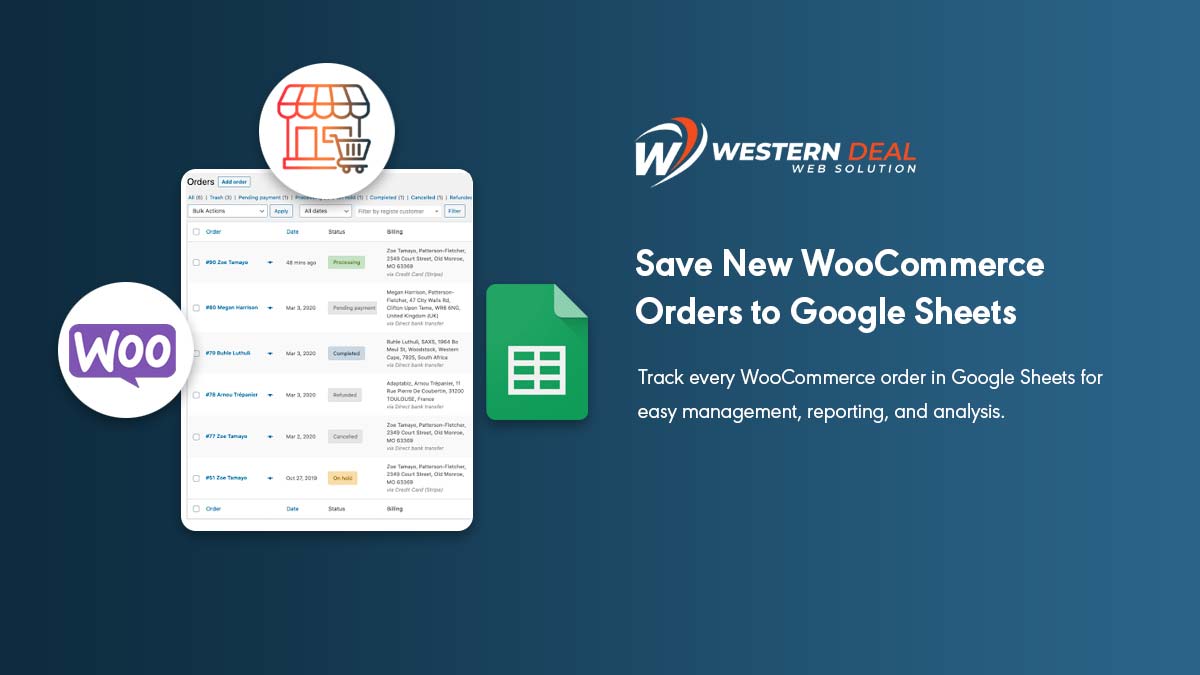
WooCommerce Google Sheet Connector is a powerful, flexible, and best connector plugin, a bridge between WooCommerce and Google Sheet. GSheetConnector For the WooCommerce plugin sync with your WooCommerce Orders, Products, Customers, Coupons, and Events to a single Google Spreadsheet.
To setup you need:
- WordPress website with WooCommerce installed
- Google Sheets account
- WooCommerce Google Sheet Add-on Plugin (PRO version of WooCommerce Google Sheet)
Installation of WooCommerce Google Sheet
Installing of WooCommerce Google Sheet Addon is simple like other plugins, After Installing the plugin, it requires to authenticate with Google, which is safe and secure.
Navigate to WooCommerce ⇒ Google Sheet → Integration Tab
You will see two methods to connect with Google, For quick connection use (Auto Google API Configuration)

Click on Sign in with Google to get the Auth Code, It requires enabling the Permissions of Google Drive and Google Sheets Manually.
You must have to allow the permissions, then only orders will be sent to google sheets, without permission it will not work.

Once you click on Continue, you will get a code, copy the code and paste in the box and click on Save & Authenticate
Once you Save, it will reload and show you a connected email account, and you are done with the google integration.
Then Navigate to WooCommerce ⇒ Google Sheet → Integration Tab to configure.
Select the Spreadsheet, Select the Sheet Names below and you are done.

Now Whenever you get a new order in real-time, the order details will be sent to google sheet.
Benefits of WooCommerce Google Sheet Connector PRO version
| Feature / Capability | Free Version | PRO Version |
|---|---|---|
| 💰 Price | Free | Paid (~$49/year) (Google Sheet Connector) |
| 🔗 Google Sheets API | ✅ Basic integration | ✅ Advanced + latest API support (Google Sheet Connector) |
| 🔐 Authentication | Basic setup | One-click authentication + email display (Google Sheet Connector) |
| 📊 Real-time Order Sync | ✅ Available | ✅ Enhanced + more control (Google Sheet Connector) |
| 📁 Create Google Sheets | Limited | Auto + manual sheet creation (Google Sheet Connector) |
| 📑 Sheet & Tab Naming | Basic | Auto + custom naming options (Google Sheet Connector) |
| 📦 Order Sync | ✅ Orders only | ✅ Orders + status-wise sheets (Google Sheet Connector) |
| 🔄 Order Status Sync | Limited | Full 7 status sync + custom status tabs (Google Sheet Connector) |
| 🧾 Product Data Sync | ❌ Not included | ✅ Products sync to sheets (Google Sheet Connector) |
| 👤 Customer Data Sync | ❌ Not included | ✅ Customer data sync (Google Sheet Connector) |
| 🎟️ Coupons Data | ❌ | ✅ Coupons sync (Google Sheet Connector) |
| 🔁 Two-Way Sync | ❌ | ✅ Update WooCommerce from Sheets (WooCommerce) |
| 📊 Rows Management | Basic (order-wise) | Order-wise + product-wise rows (Google Sheet Connector) |
| 🎯 Filters (Category, Orders) | ❌ | ✅ Advanced filters (Google Sheet Connector) |
| 🔤 Custom Headers | ❌ | ✅ Fully customizable headers (Google Sheet Connector) |
| 🎨 Sheet Formatting | ❌ | ✅ Freeze headers, color rows (Google Sheet Connector) |
| 📈 Sorting Options | ❌ | ✅ Asc/Desc sorting (Google Sheet Connector) |
| 🔌 Plugin Compatibility | Basic | Advanced (Woo addons + 3rd party) (Google Sheet Connector) |
| ⚙️ Automation | Limited | Advanced automation & sync control (Google Sheet Connector) |
If you have any queries then reach the developer at [email protected]
Hope you like the article, feel free to give comments below. Thanks
